Choosing your ecosystem, part 7 of 8. New to the series? Start with part 1.
The short version: leaving Alexa is mostly paperwork and one big chore. The paperwork is listing your skills and routines and moving each device to a local Home Assistant integration. The chore is re-pairing every Zigbee device that was paired to an Echo, because Amazon gives you no way to take them with you. Do the mains-powered devices first, replace Ring cameras before you cancel Ring, and decide whether the Echos stay on as concierges.
Last time we moved out of Google’s share house. This time it’s the flat above the shop. People usually leave Alexa for one of three reasons. Alexa+ turned a free assistant into a subscription conversation, Amazon stopped processing voice locally, or something about Ring made them uneasy about who can see their front door.
The good news is that Alexa homes are often the easiest to move out of, because so much of Alexa works through other companies’ clouds. The bad news is the Zigbee.
Step one: walk through the flat with a notepad
Before touching anything, open the Alexa app and write down what’s actually there. Go through the device list, every routine, and every skill you’ve enabled. Skills matter because most Alexa homes are a patchwork: the lights are a Tuya or Kasa skill, the air conditioner is the manufacturer’s skill, the robot vacuum has its own. Each skill means a device that’s really controlled by another company’s cloud, with Alexa just passing messages.
Take screenshots of your routines while you’re there. Amazon doesn’t offer a tidy export, and "what time did the blinds close on weekdays again?" is a surprisingly annoying question two weeks into a move.
Then set up Home Assistant alongside and run both in parallel, with the hub on VLAN 20 and a leg into VLAN 50 where the Echos and devices live.
Step two: the easy moves
Anything that came in through a skill has a Home Assistant integration too, often a better one. Popular brands like TP-Link Kasa and Tapo, Philips Hue, the big air conditioner makers and most robot vacuums all have one, and a good number of them work locally, which means faster responses and no dependence on the manufacturer’s cloud. Add each brand’s integration in Home Assistant, check the devices respond, then disable the skill in Alexa.
Matter devices are even easier. Alexa supports sharing Matter devices with other controllers, so share each one with Home Assistant, rebuild the routine that uses it, and remove it from Alexa once you’re happy.
Philips Hue deserves a special mention. If your Hue lights are on a Hue Bridge rather than paired straight to an Echo, Home Assistant connects to the bridge locally and you don’t need to re-pair a single bulb.
Step three: the Zigbee chore
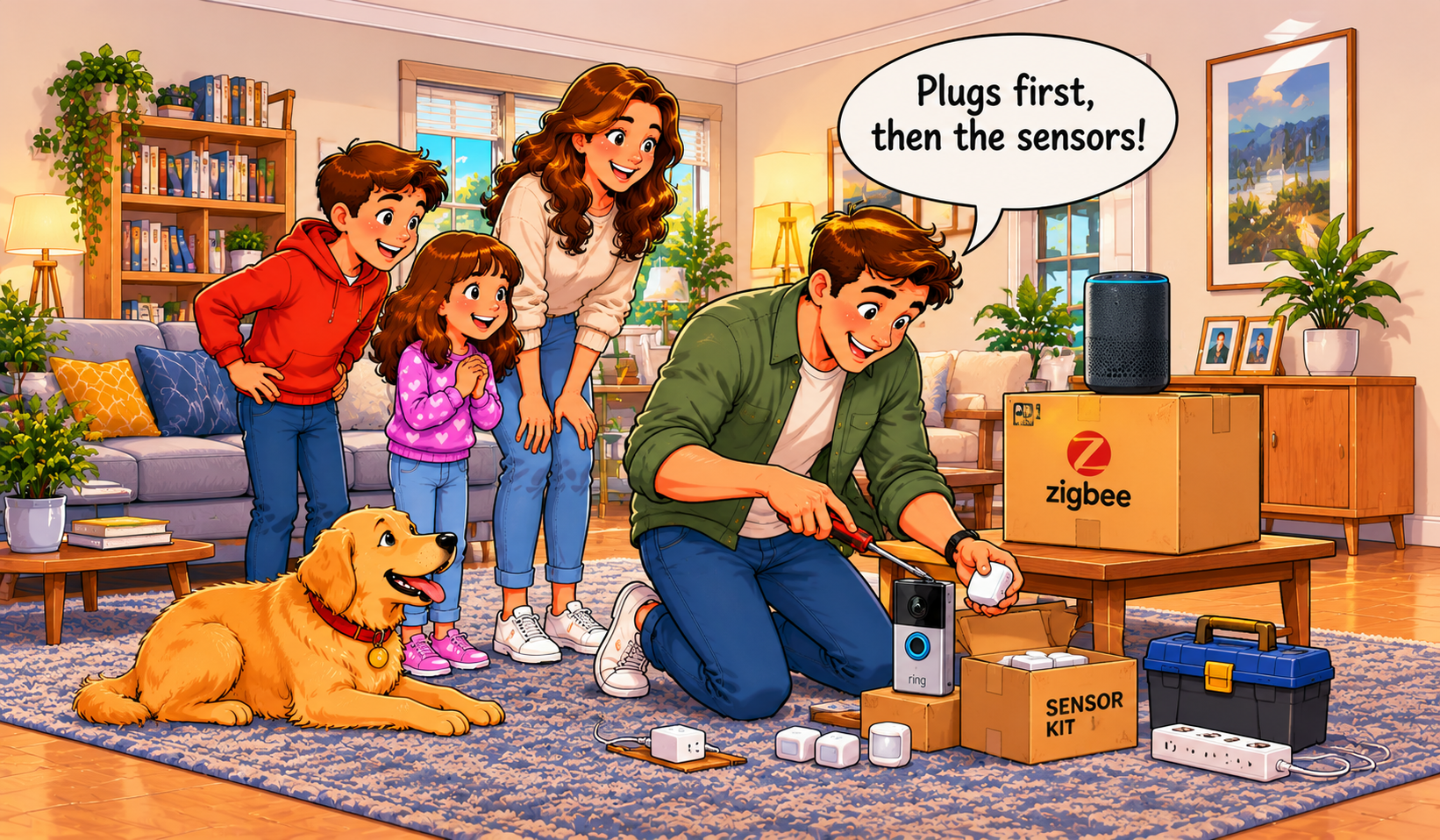
If your Echo is acting as your Zigbee hub, every sensor, bulb and plug paired to it belongs to that Echo. There’s no export and no sharing. Each one has to be reset and paired again to Home Assistant’s own Zigbee radio, such as the SONOFF Dongle Max Zigbee and Thread coordinator we supply configured with our smart home hubs.
The order matters, because Zigbee is a mesh. Mains-powered devices like plugs, in-wall switches and most bulbs act as relays, passing messages along for the battery-powered sensors further away. Move the mains-powered devices first, starting with the ones closest to the hub and working outwards, so the new mesh has its backbone in place. Battery sensors go last, and they’ll find a route straight away instead of dropping off.
Do it room by room rather than all at once, and rename each device in Home Assistant as you go. "Motion sensor 0x00158d" means nothing at 11pm. "Hallway motion" does. Budget an afternoon for a typical house. It’s tedious rather than difficult, and it’s one of the jobs customers most often hand to us.
Step four: Ring, and the front door
Ring is cloud-only, so leaving Alexa doesn’t have to mean leaving Ring. Home Assistant’s Ring integration will carry doorbell presses and motion events across in the meantime. For many people, though, Ring is the main reason for leaving.
Replace before you cancel. Download any Ring recordings you want to keep from the Ring app first, because history disappears with the subscription. Then install local cameras and a doorbell on VLAN 15, recording to an NVR or the hub, with no internet access at all, as we set out in The Seating Chart. If you keep any Ring devices for a while, give them internet access only, with no route to anything else in the house.
| Amazon device or service |
What happens to it |
Where it ends up |
| Devices controlled through skills |
Moved to that brand’s Home Assistant integration |
Home Assistant, often with local control |
| Matter devices |
Shared to Home Assistant, then removed from Alexa |
Home Assistant, unchanged hardware |
| Zigbee devices on an Echo |
Reset and re-paired, mains-powered first |
Home Assistant’s own Zigbee radio |
| Hue lights on a Hue Bridge |
Bridge connected to Home Assistant directly |
No re-pairing needed |
| Ring cameras and doorbell |
Footage downloaded, then replaced |
Local PoE cameras on VLAN 15 |
| Echo speakers and displays |
Kept as concierges or announcement speakers, or reset and sold |
Home Assistant decides what they can see |
| Alexa+ / Ring subscriptions |
Cancelled last |
Nothing left depending on them |
Step five: what’s the Echo’s job now?
You have the same three choices as in the Google move. Keep Alexa as a concierge, exposing only the devices you choose through Home Assistant Cloud, so "Alexa, lights off" still works with Home Assistant holding the keys. Use the Echos as announcement speakers, since Home Assistant’s Alexa Devices integration can make them say "the side gate’s been left open" without Alexa controlling anything. Or retire them and switch to Home Assistant’s local voice.
If you’re selling or passing on an Echo, deregister it from your Amazon account and factory reset it first.
Step six: clean out the cupboards
When the move is finished, delete your voice history in the Alexa app’s privacy settings and set recordings to delete automatically if you’re keeping any Echos. Remove old devices and disable leftover skills so nothing still has a token to your accounts. Cancel Alexa+ (or quietly accept that Prime covers it) and any Ring plan once nothing depends on them.
Then go back to the network. With the Echos no longer running the house, they can stay on VLAN 50 as ordinary IoT devices, allowed out to the internet, blocked from everything else, like any other cloud gadget.
Coming up
Last stop on our moving tour is the strata apartment: leaving Apple Home, which is usually about switching phones rather than distrust, and has one timing trap you really don’t want to miss.