Build on the Omada platform with a Smart Home Hub
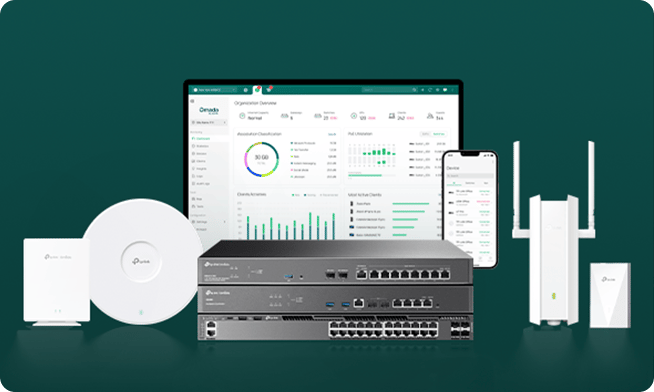
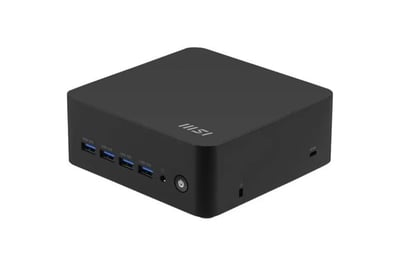
These two boxes do very different jobs, and it's worth being clear about which is which. Omada is the network: the gateway, switch, access points, the firewall, and the VLAN segmentation that keeps your cameras, locks, and IoT gear segmented from the rest of the house. The Hub is optional. It is a computer that provides services on your network.
If you add one, it can play multiple roles. First, and this is where Omada differs from Aruba, it can host the Omada Software Controller, so all your configuration, logs, and statistics stay on your own hardware instead of in someone else's cloud. (Note: The Whole Home and Advanced bundle's Fusion 2.5G gateway already has a controller built in, so the Hub is not required to be a network controller.) Second, it runs on top of the network: a local DNS cache and ad-blocker (Technitium, Pi-hole, or AdGuard that speeds up internet browsing and reduces Advertising), a NAS share for your own files, a Zigbee or Z-Wave coordinator for pairing smart home devices, an MQTT broker for device-to-device messaging, Frigate for local camera AI and NVR, Tailscale for secure remote access, and Uptime Kuma to keep an eye on all of it. It sits on its own VLAN as trusted infrastructure, the same way a NAS or smart home hub does in any network we design.
Not every build runs all of these, it depends on what your home actually needs. See our NUC builds page for recommendations on what you need.