
Part 3: Bands & Channels (Not Hamburg in the 80s...)

Dave Gilmore
The short version: your router isn't one radio, it's two or three, and picking the right one, and the right width on it, matters almost as much as where you put it.
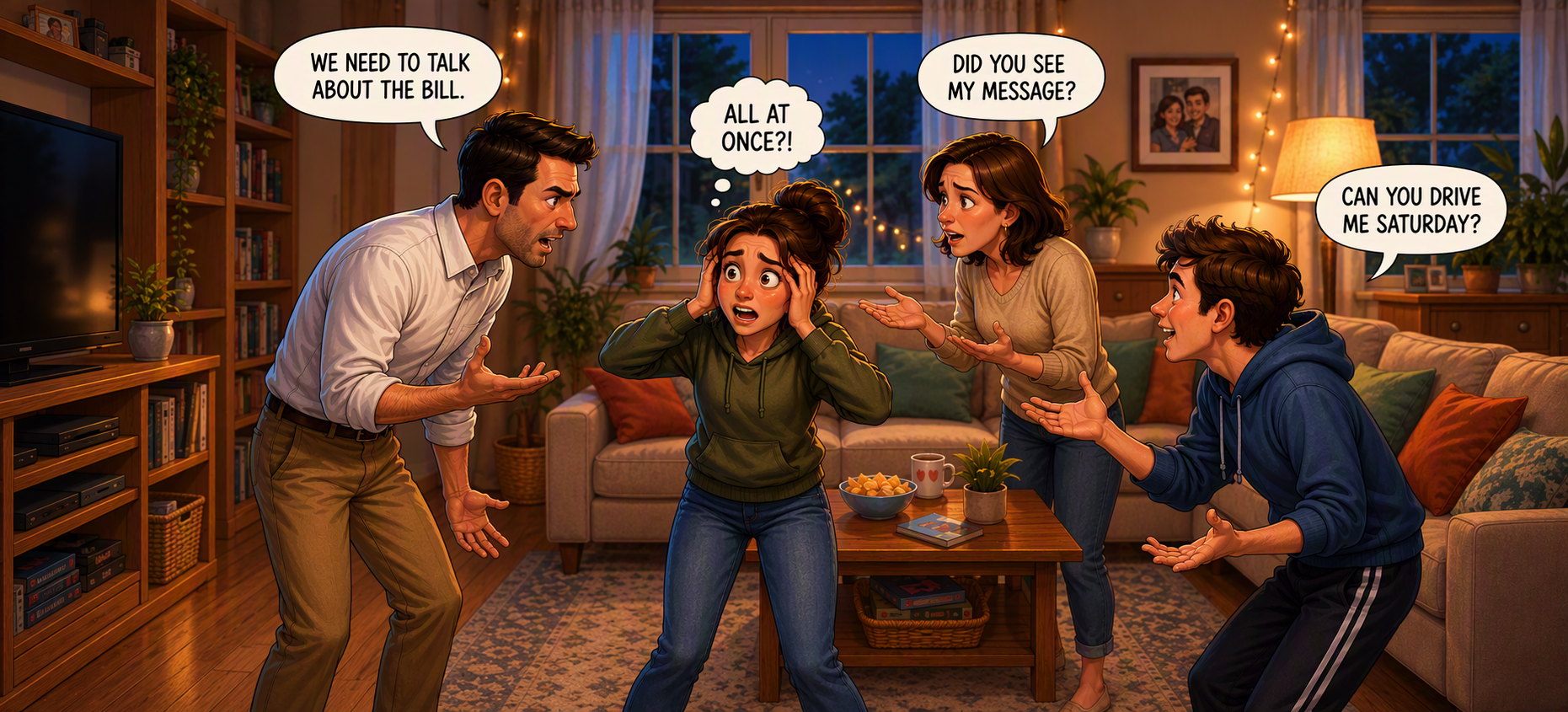
Now that the host is standing in the right room, let's talk about how they're actually talking. Because your router isn't running one conversation, it's running two or three, on completely different voices, and each one has a personality of its own.
Three different voices
Most home routers can speak on 2.4GHz, 5GHz, and increasingly on 6GHz (the ones that only do 2.4GHz are getting old, and if that's you, it's worth an upgrade). Think of these as three different voices the host can use.
2.4GHz is the host's big, booming, carry-through-walls voice. It reaches further and shrugs off a lot of the obstacles, but it's slow, and it's the voice every neighbour within earshot is also using, so it is very crowded.
5GHz is a quieter, faster voice. It doesn't carry nearly as far and gets stopped by walls more easily, but there's far more opportunity to talk, and far fewer people talking over each other.
6GHz is the newest and quietest of the three, barely leaving the room it's in, but when it's clear, it's by far the fastest voice available. Most homes aren't using it yet, so if your router and devices support it, you're at the front of the pack.
When we talk about coverage, we're really asking how far the host's voice carries. When we talk about bandwidth, we're asking how much they can say. Those are two different questions, and 2.4GHz, 5GHz and 6GHz all have different answers.
Why some rooms fit more conversation than others
Speed isn't only about which voice the host uses, it's also about how wide the conversation is allowed to be. Routers can talk on 20MHz, 40MHz, 80MHz, 160MHz, and sometimes 310MHz wide channels. A wider channel is like the host being allowed to speak about more topics at once instead of one at a time; it doesn't make them any louder, it just lets more information through per second. That extra width comes from things like multiple antennas working together, channel bonding, and multiple simultaneous streams of data.
One thing worth clearing up: none of this increases how loud the host is allowed to be. Every band has a legal ceiling on transmission power (around 20dBm, or 100mW, EIRP), so a wider channel buys you more capacity, not more reach.
2.4GHz: only three seats at this table
In Australia, 2.4GHz is carved into 13 channels, each 20MHz wide. Here's the catch: only three of them, channels 1, 6, and 11, don't overlap with each other. Everything else bleeds into its neighbours.
Pick channel 4 and you're not getting a quiet corner to yourself, you're half in channel 1's conversation and half in channel 6's, annoying both. Wi-Fi has a name for this: Adjacent Channel Interference, and it's one of the more avoidable ways people sabotage their own network, and their neighbour's.
Some routers will let you bond two 2.4GHz channels into one 40MHz-wide conversation. Tempting, but in most homes it's a bad trade: you gain a bit of speed and lose almost all of the band's remaining quiet corners, for you and everyone nearby.
5GHz: plenty of room to spread out
5GHz is a different story entirely. There's far more usable space here: 24 non-overlapping 20MHz channels, 11 at 40MHz, 4 at 80MHz, or a single 160MHz channel if you want to use the whole room for one conversation.
This is where channel bonding actually earns its keep. Most homes do well running 80MHz-wide channels here: plenty fast, with still enough breathing room in busier suburbs. If you're out past the suburbs on a bigger block with fewer neighbours competing for the airwaves, 160MHz is an option too, though it means committing your entire access point to that one wide conversation.
For context, this is roughly how enterprise networks think about it too: lower density offices at 80MHz, higher density offices might reduce to 40MHz allowing more channel usage to fit more access points into the same space without talking over each other. Finally warehouses with dozens of APs often run 40MHz and sometimes down to 20MHz but they have a whole range of different challenges to overcome.
6GHz: the new wing of the house
6GHz is the newest band, and it's the least crowded because almost nothing else is using it yet. Only Wi-Fi 6E and Wi-Fi 7 gear can see it. That means your neighbour's ten-year-old router can't interfere, and the older devices in your own house can't slow things down either.
In Australia we currently have the lower 500MHz of the band to work with, with more of the upper band on the way. That gives you 24 channels at 20MHz, 12 at 40MHz, 6 at 80MHz, 3 at 160MHz, or, on Wi-Fi 7, a single 320MHz channel if you want to go all in. This is where 160MHz stops being a luxury and becomes the sensible default, because you can run it without crowding anyone out.
The catch is that 6GHz is limited to low-power indoor use, and it doesn't handle walls and floors as well as 5GHz does. Think of it as a fast lane that works best in the same room or one room over from the access point. It isn't a replacement for 5GHz across the whole house.
Enterprise networks are going the same way: 6GHz is becoming the go-to band for high-density spaces, where it's used to move capable devices off 5GHz so both bands have more room.
Coming up
So the host's in the right room, using the right voice at the right channel width. Next time we'll get into why, even with all of that sorted, your Wi-Fi still won't hit the number printed on the box, and why that's actually completely normal. That's Wi-Fi Speeds: Theory vs Reality.